
Sharing & embedding
Create view-only share links with an expiry date, choose the client or professional view, pin annotations and embed a project in your website.
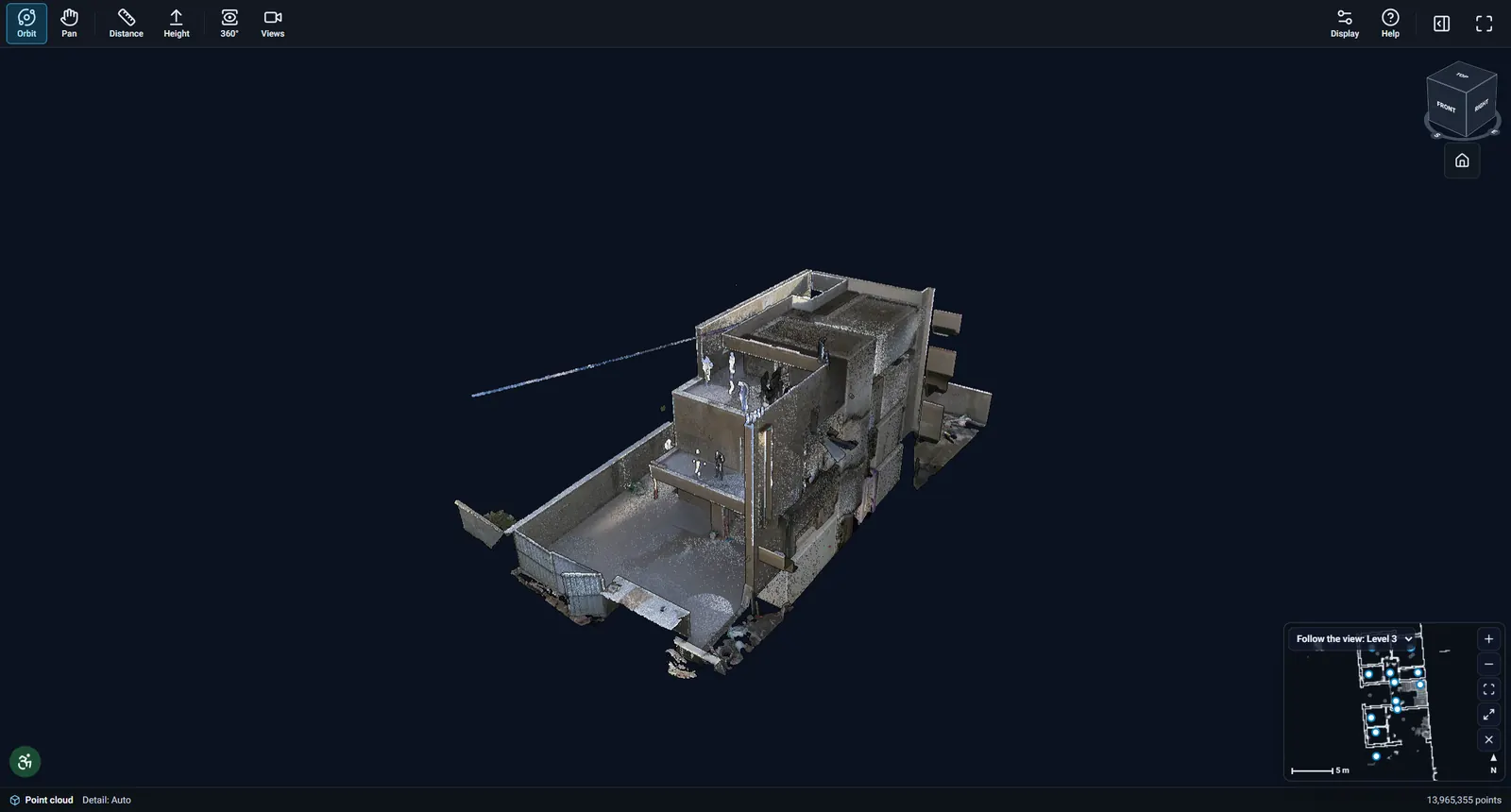
Every project in the online viewer can be shared with people outside your organisation through view-only links. Whoever holds a link sees the project without signing in – until it expires or you revoke it.
Create a share link
- Open the project and choose Share.
- Pick the viewing experience: Client (simple and friendly) or Professional (all measuring and section tools).
- Add a label (who is it for) and an expiry: 7, 30, 90 days or one year.
- Optionally choose which annotation set the link shows, then create the link and copy it.
Revoke a link
In the Share dialog, choose Revoke next to a link and confirm. The link stops working immediately. The dialog also shows how many times each link was opened.
Embed in your website
Each link comes with an embed code (an iframe). Copy it from the Share dialog and paste it into your website or CMS; the project shows in the client view and follows the link’s expiry.
→Measuring & 360° photos