AgriCAD Online ViewerOnline viewer

Share a scan with your client – in one link

Your clients open the scan in the browser, look around, measure and see your 360° photos and annotations – no account, nothing to install. You decide what they see and for how long.

Getting started guide
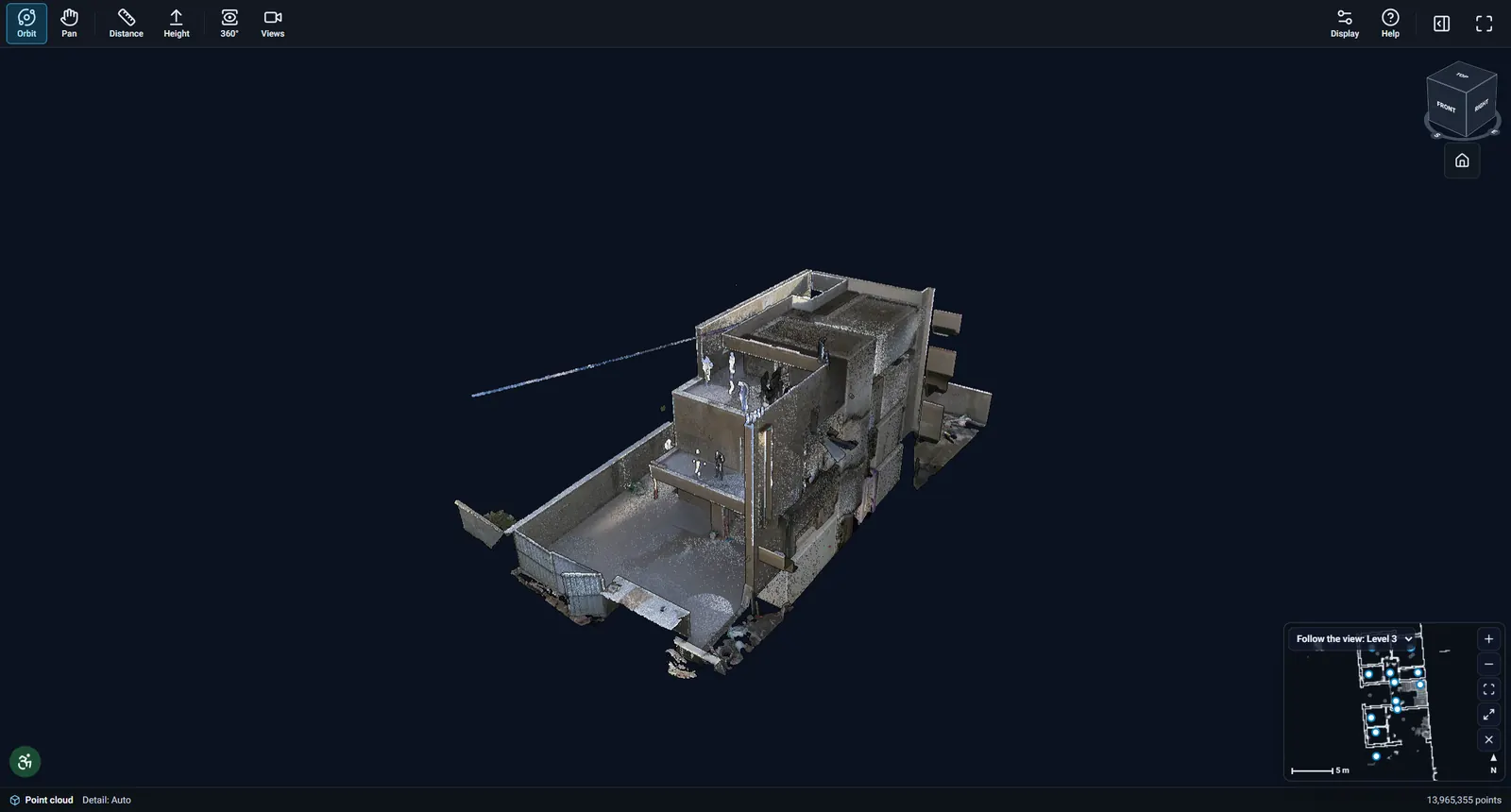
The client view of a scanned building in the online viewer
The AgriCAD online viewer on a real scan.

What is inside

  • Share by link

    View-only links with the expiry you choose, revocable at any time. A simple client view or the professional view with every tool.

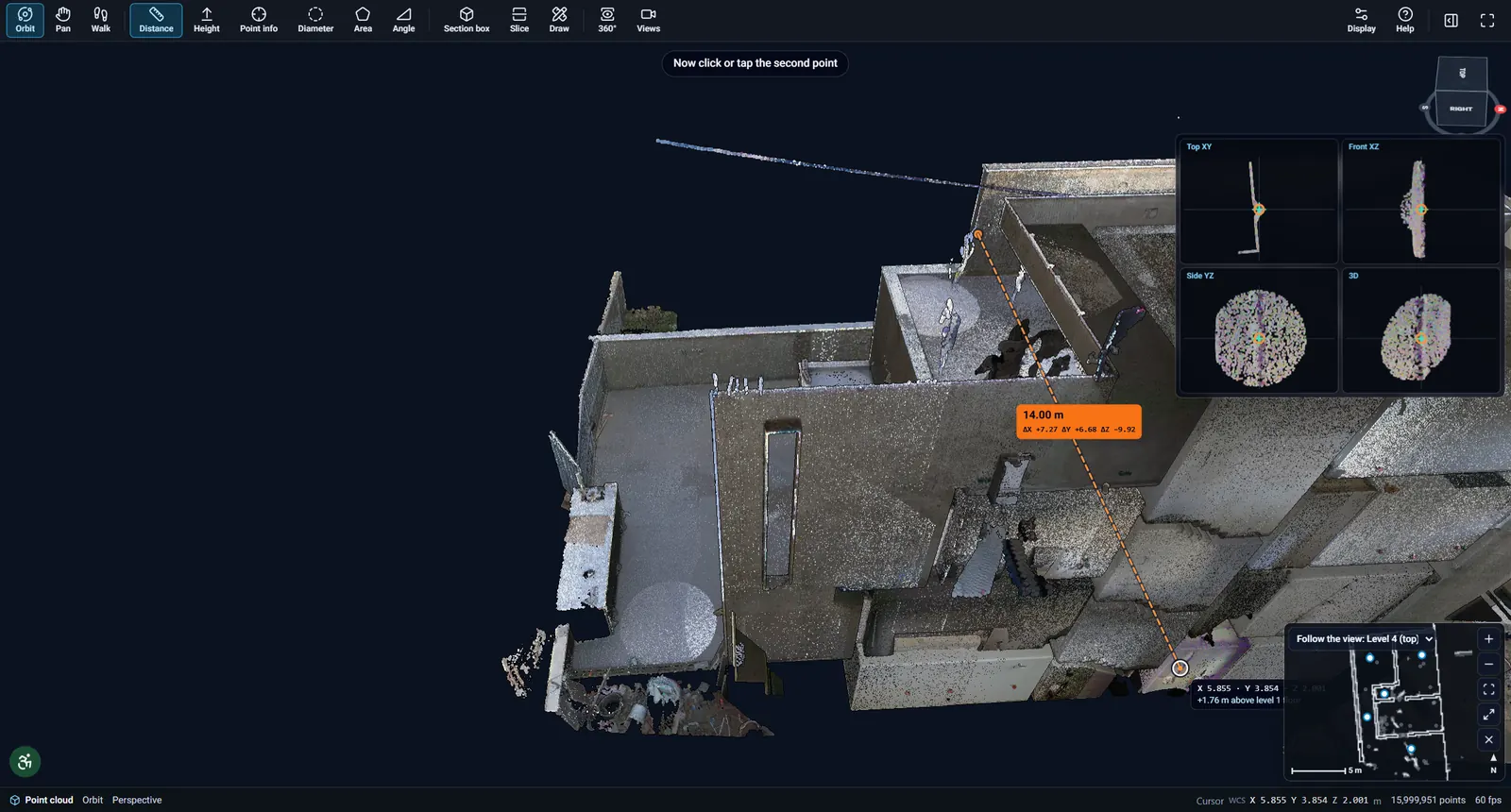
  • Measuring

    Distances, heights, areas, angles and diameters on the points and inside 360° photos.

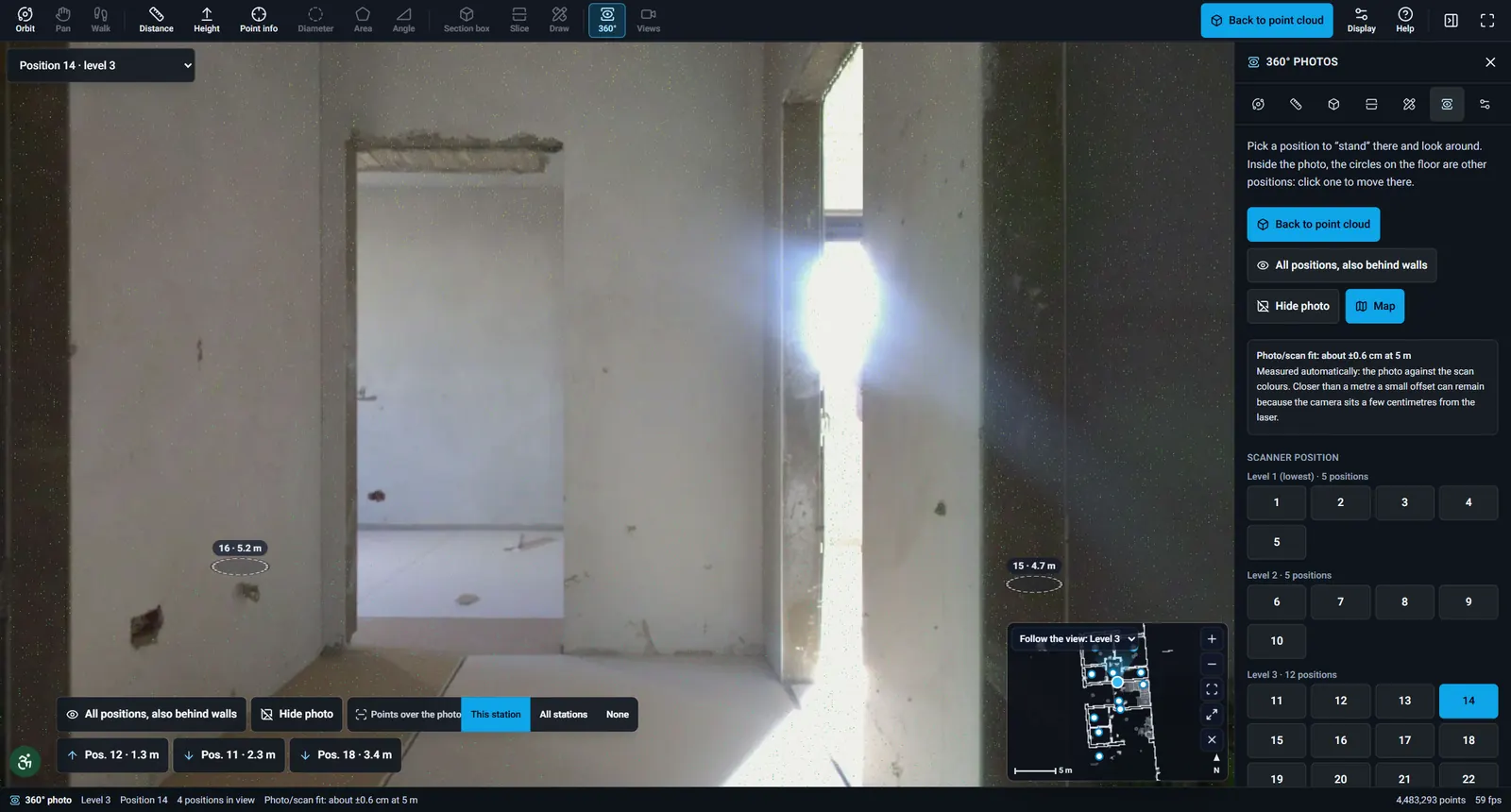
  • 360° photos

    Jump to any scanner position and look around, with a station map to find your way.

  • Annotations

    Annotation sets on the scan – private to your team or shared with the client, with version history.

  • Embed in your website

    An iframe code for every share link – the scan shows right on your website.

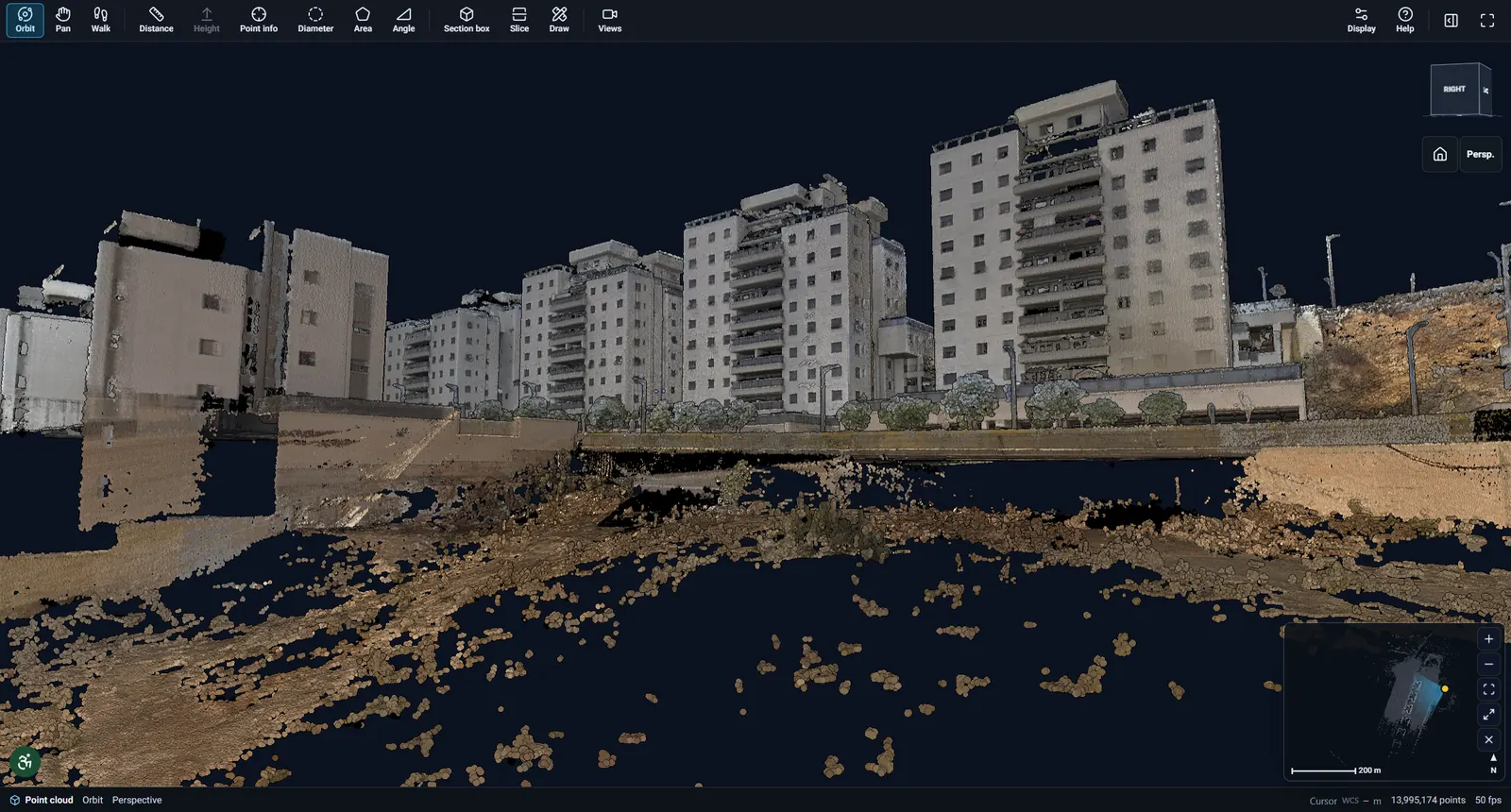
  • Huge point clouds

    Progressive streaming of hundreds of millions of points, even on a laptop or a phone.

  • Sections & levels

    Slice the building by floors and levels and read clean sections of the existing state.

  • A portal for your organisation

    Your own address, logo and colours, users and roles – including view-only clients.

  • 360° photo inside a building with markers to the next scanner positions and a mini-map
  • Distance measurement of 14 metres across a scanned building with helper views
  • Aerial view of a street point cloud with tall apartment buildings, gardens and roads

System requirements

  • Any modern browser: Chrome, Edge, Firefox or Safari
  • Computer, tablet or phone – nothing to install
  • E57 upload from your organisation’s portal

Works together with

  • Desktop viewer for Windows

    AgriCAD Viewer

    A complete point cloud workstation

    • E57 import and drafting in an AutoCAD-style workspace
    • Survey points with ML 2.1 and MAVAT codes
    • Object detection, DXF and RCP export

    Requirements: Windows 10 / 11 · works offline

    Learn more – AgriCAD Viewer
  • AutoCAD plugin

    AgriCAD for AutoCAD

    The point cloud inside AutoCAD

    • Slices, sections and floor plans
    • Doors, windows, annotations and blocks
    • Topographic survey tools (Hanit / MAVAT)

    Requirements: AutoCAD 2019–2026

    Learn more – AgriCAD for AutoCAD

Want to see it on one of your scans?

We will gladly show you the products in a short demo and suggest licensing that fits your organisation.

Request a demo